What makes a good plumbing website?
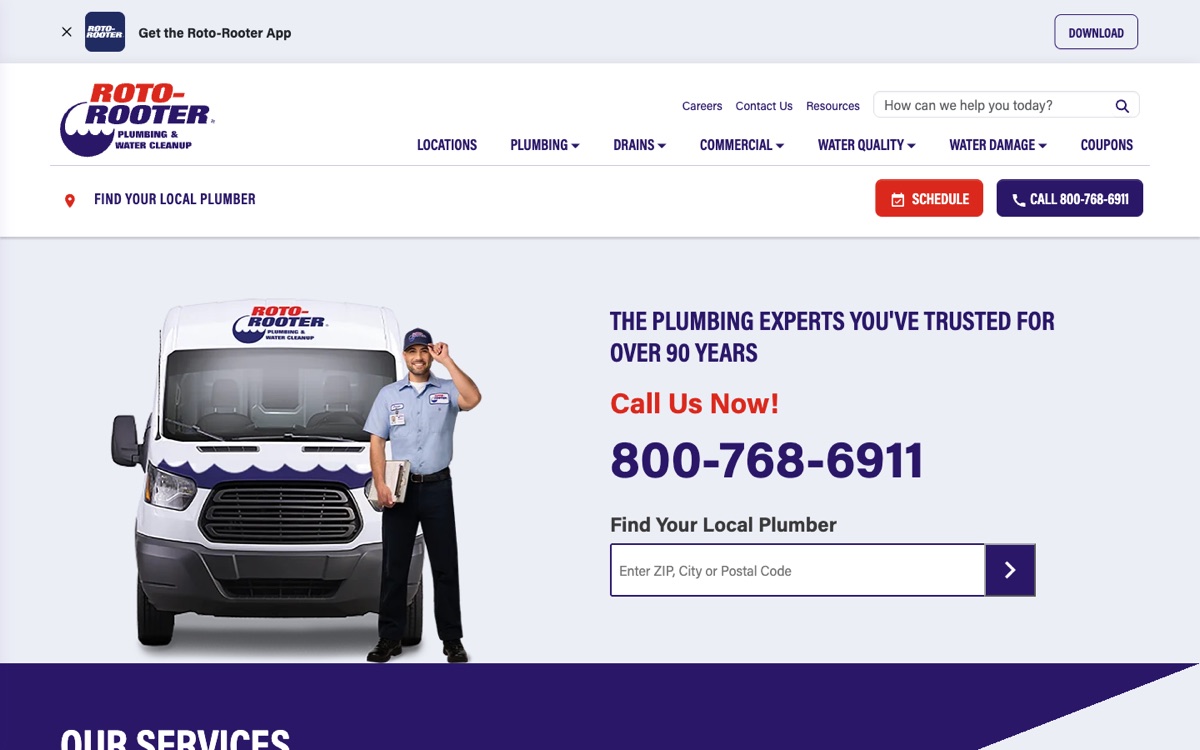
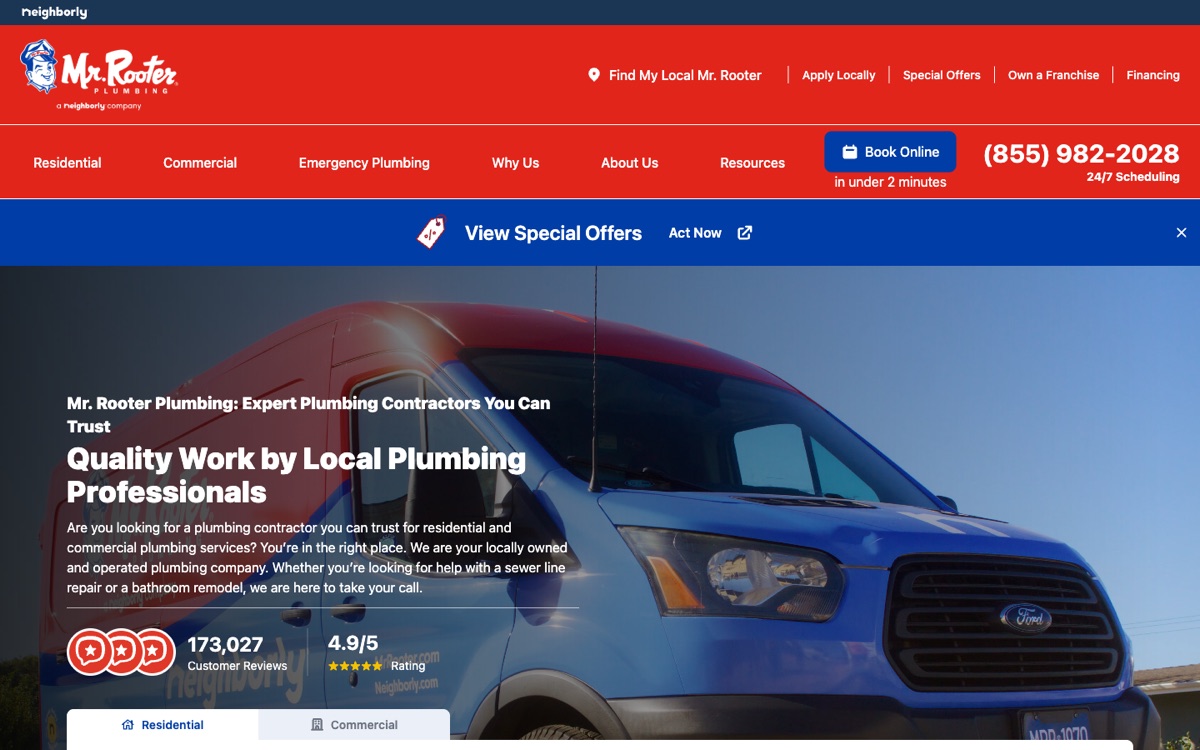
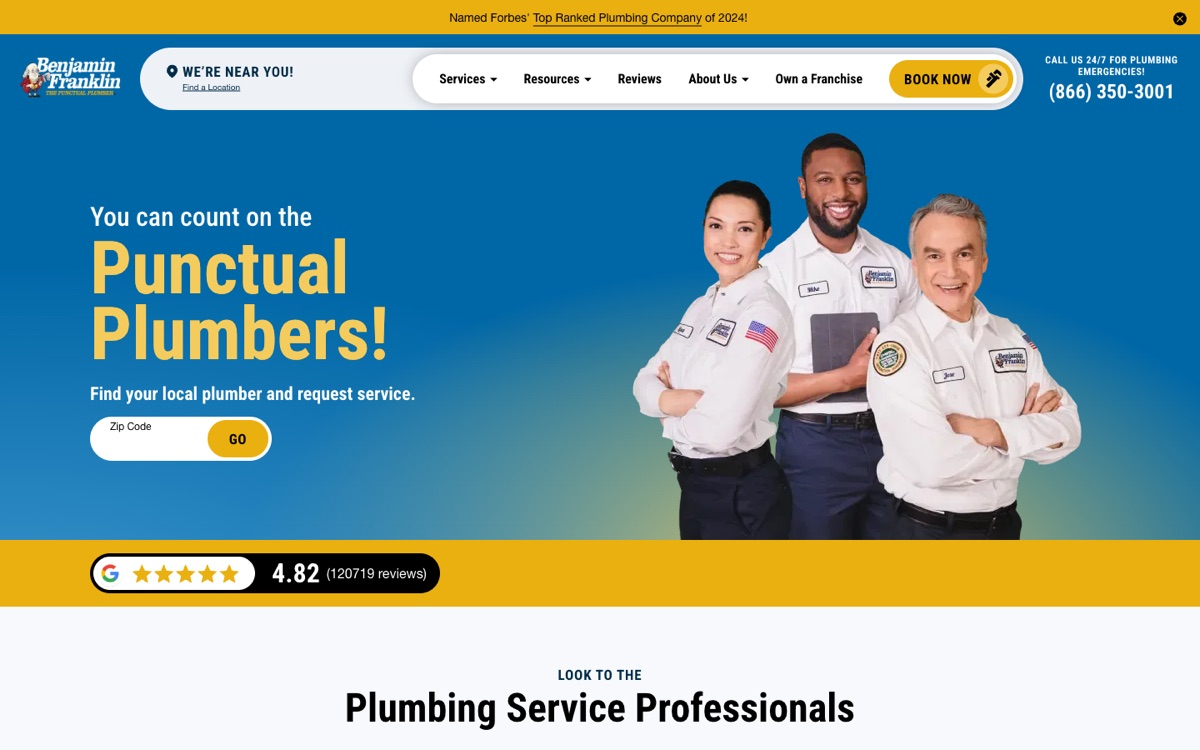
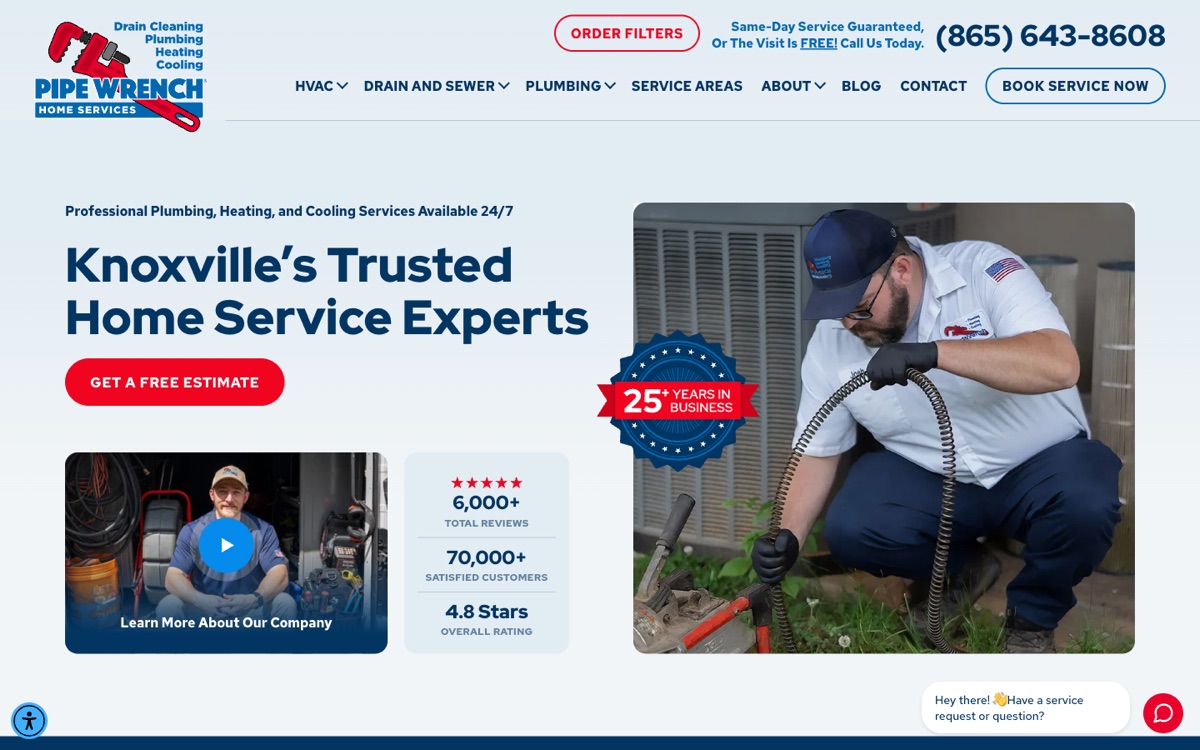
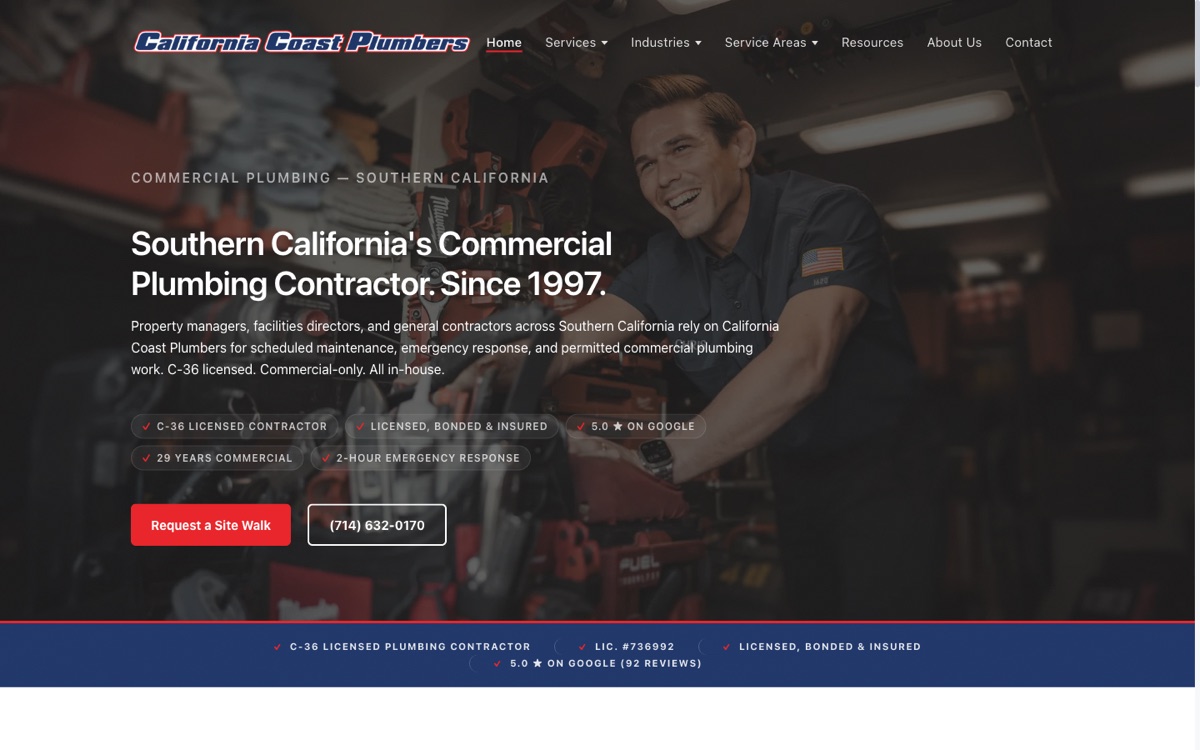
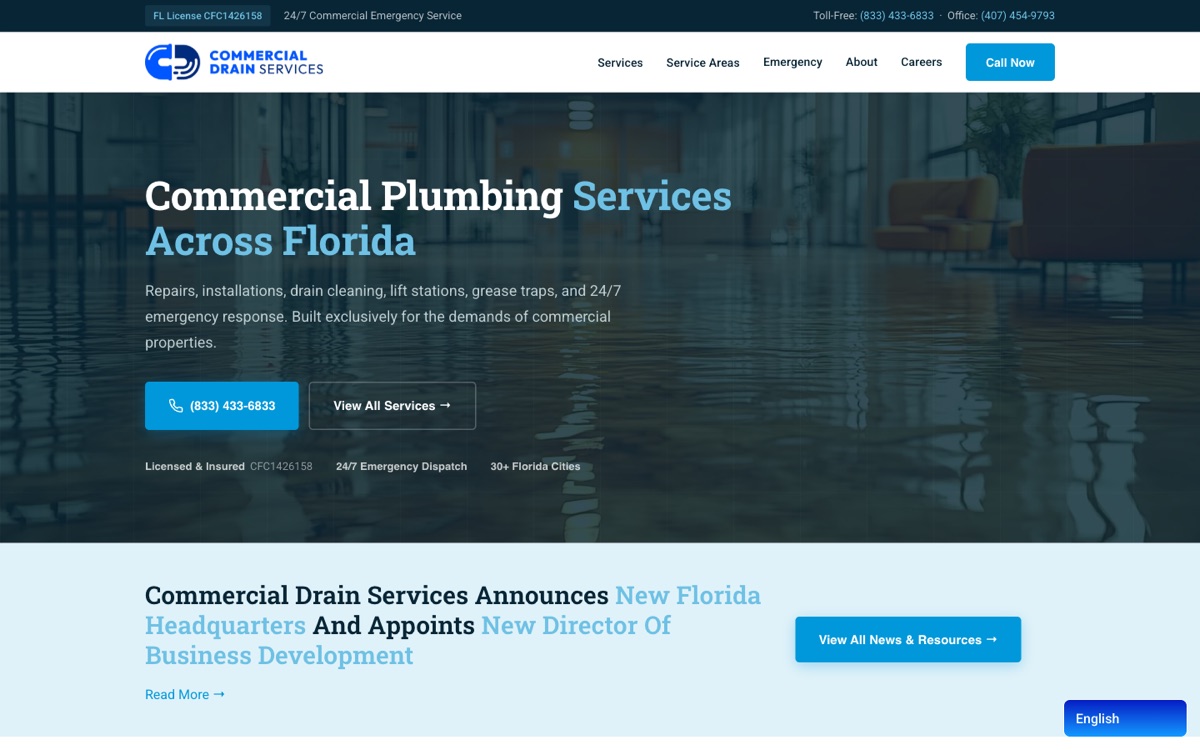
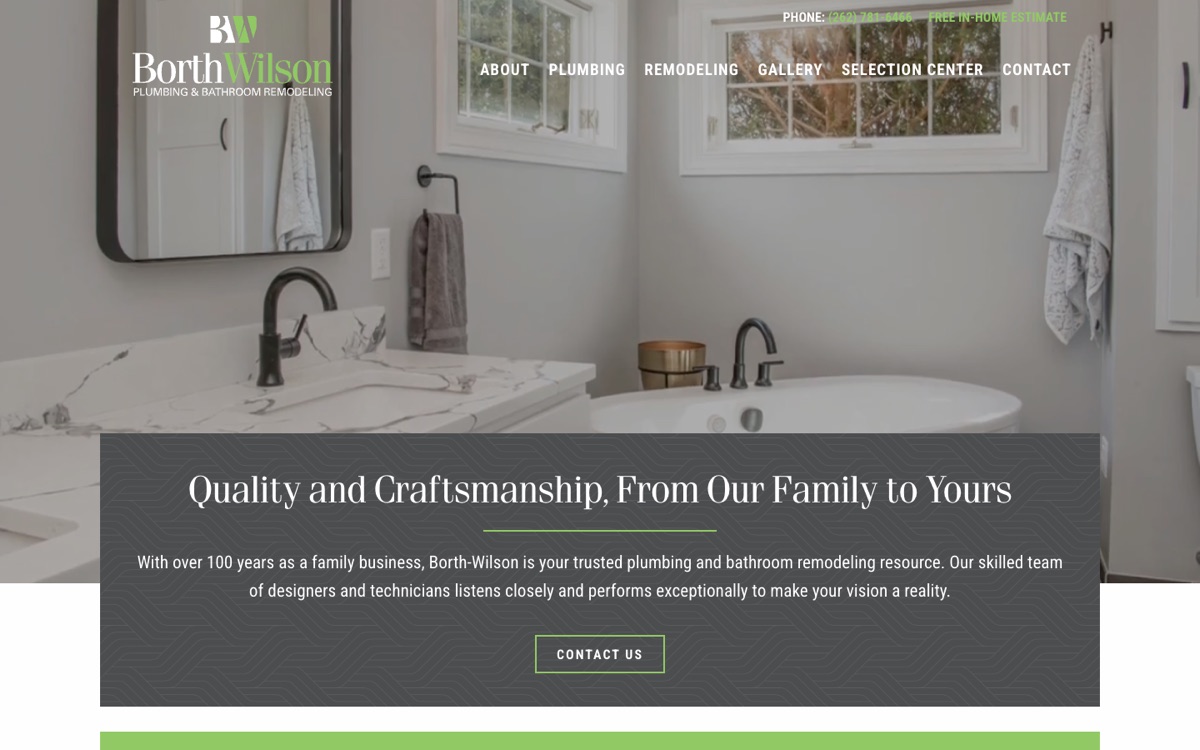
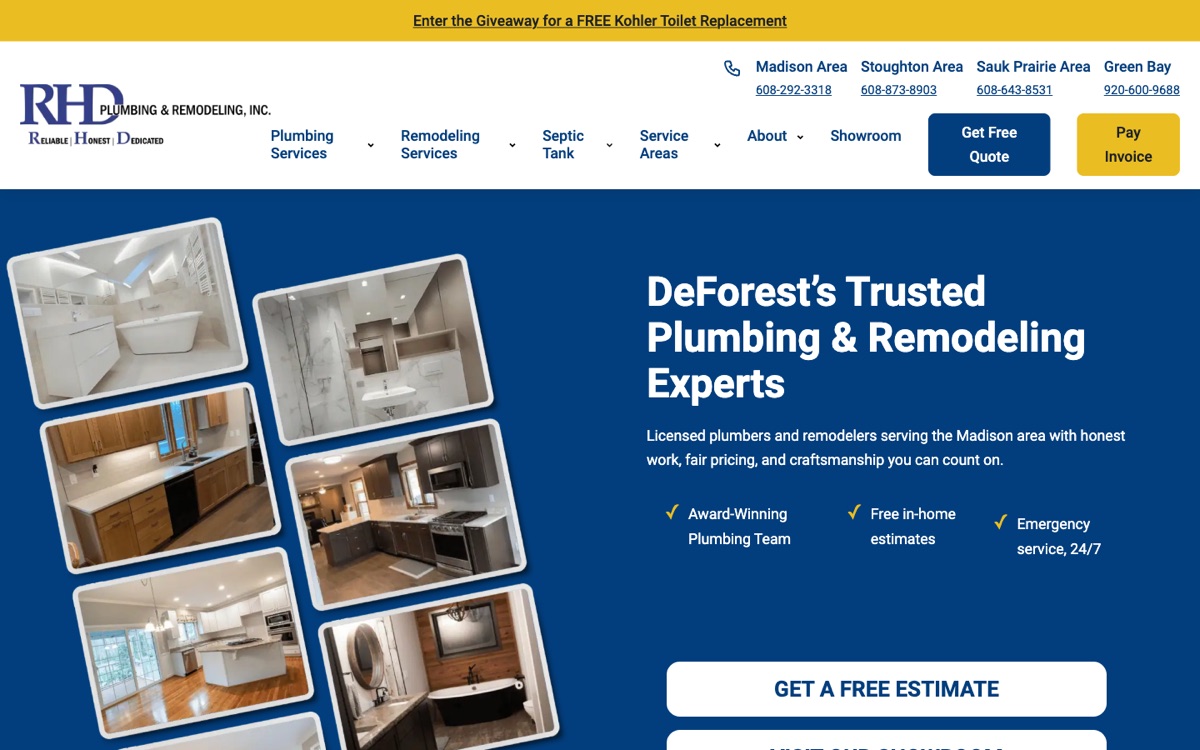
It gets a person in a hurry to the phone number in one tap, it has a page for each service named the way people search, it says which towns it serves, it says how it prices, it shows proof (reviews, photographs, years in business), it says what happens after the call, and its contact form doesn't lose the message. Every site on this page does at least one of these unusually well; the kits do all seven.
What should be on a plumber's homepage?
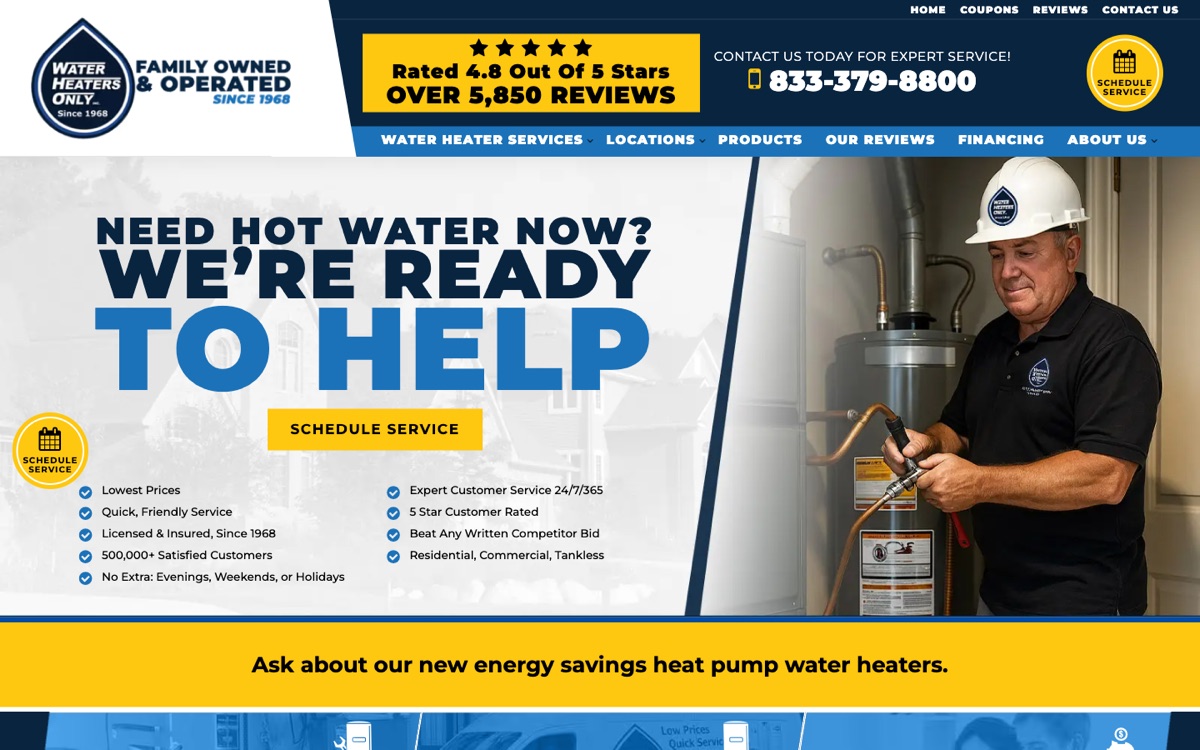
The phone number and a booking button in the first screen, a one-line promise (same-day, 24/7, punctual, flat-rate), the services as links to their own pages, the towns you serve, a review or two, and a form. The best sites above have most of it in the first screen on a phone.
Should a plumber show prices on the website?
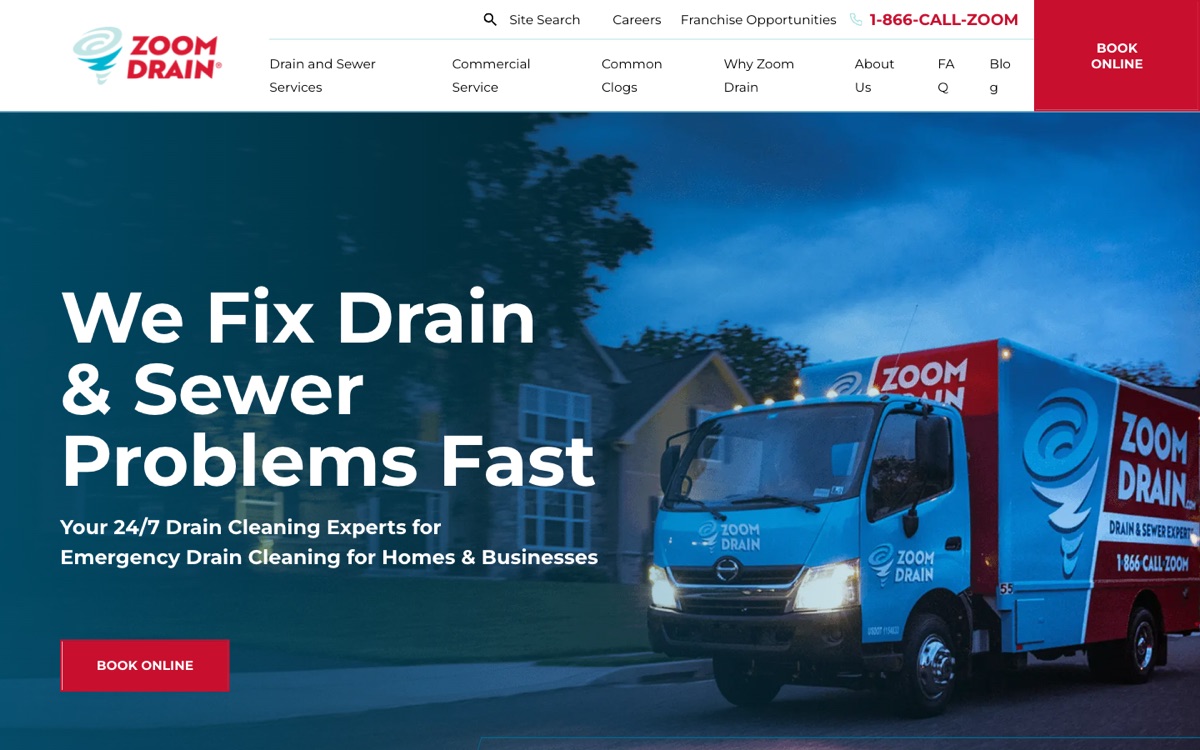
Yes, or say how you price. “How much does it cost” is one of the biggest searches in every plumbing trade, and almost none of the sites above answer it on the homepage. A flat-rate menu (Zoom Drain), a price book (the local kit) or a cost page with ranges (every kit) all work; “call for a quote” doesn't rank for the question.
Do I need photos of myself and my trucks?
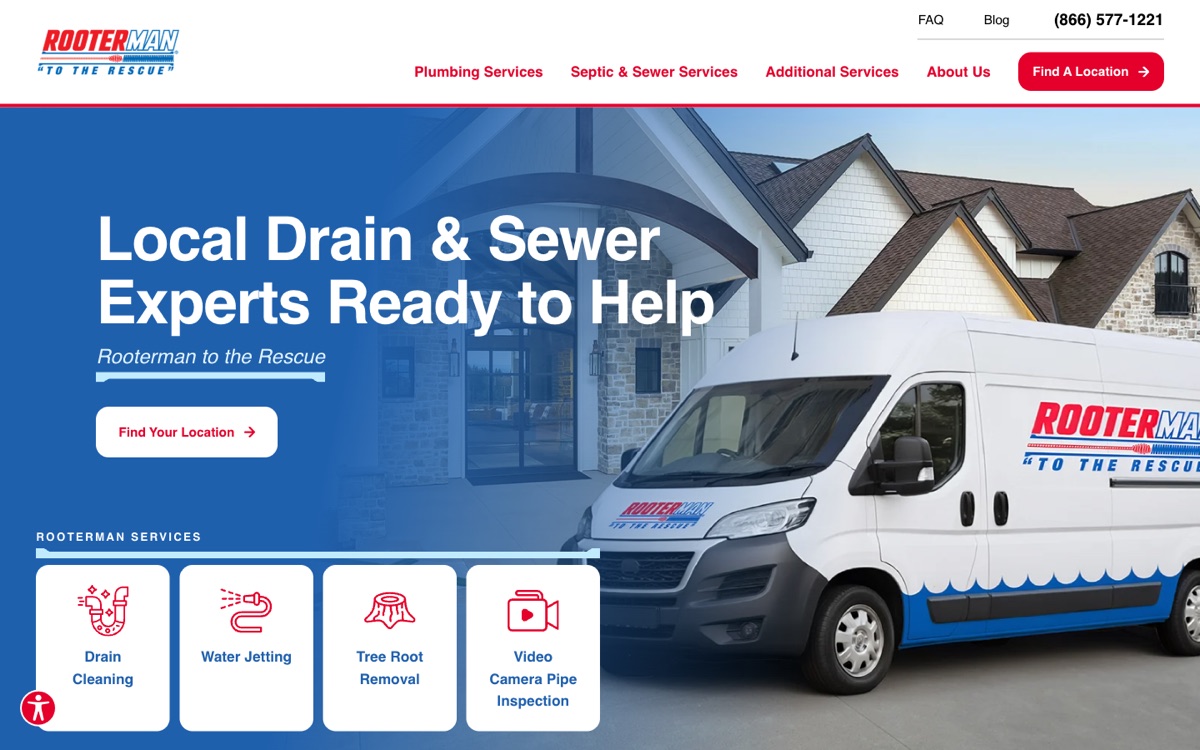
It helps more than any stock photograph. The sites that feel local above show their people, their offices and their finished work. Every kit ships with placeholder photographs sized for the layout, so swapping in yours is a drag and drop.
Is WordPress or Wix better for a plumber?
Wix is quicker on day one; WordPress is yours, hosts anywhere and has a real page structure (services, towns, guides, a blog) that ranks. If you have one page's worth to say, Wix is fine. If you want a page for each service and each town, which is what the sites above rank with, use WordPress with a kit.